
Real devices vs VPNs
A VPN can change routing, but it does not turn your laptop into a real Android phone. For many mobile workflows, the most reliable validation comes from checking the experience on an actual device under real usage conditions.
Routing is only one part of the mobile truth.
Location-aware content, app permissions, onboarding behaviour, ad flows, and region-specific user journeys are shaped by both the network path and the device itself.
People often search for a VPN alternative for mobile testing when they realize that changing IP geography does not fully validate a mobile experience. For desktop browsing, that may be enough in some cases. For Android apps and mobile-first workflows, it often is not.
What a VPN can help with
VPNs can still be useful. They are often good for high-level routing checks, coarse location changes, and quick exploratory comparisons. The problem appears when teams treat that as complete mobile validation.
What VPN-only testing misses
- Real device behaviour: The app may render, prompt, or perform differently on physical Android hardware.
- Carrier and network conditions: Mobile usage can vary beyond a simple routed desktop connection.
- Permissions and OS state: Notifications, storage, location, camera, and background restrictions all affect the experience.
- UI and usability: Screen size, density, keyboard behaviour, and touch interaction matter for mobile journeys.
- Ad and content verification: Some experiences depend on the full combination of device, account state, app environment, and network context.
When real devices are the better answer
Real devices become much more important when you are validating:
- Geo-targeted mobile flows
- Android onboarding and sign-in experiences
- App content checks and regional differences
- Ad-tech or campaign verification
- Field workflows where device state affects the result
How CaIoT fits this use case
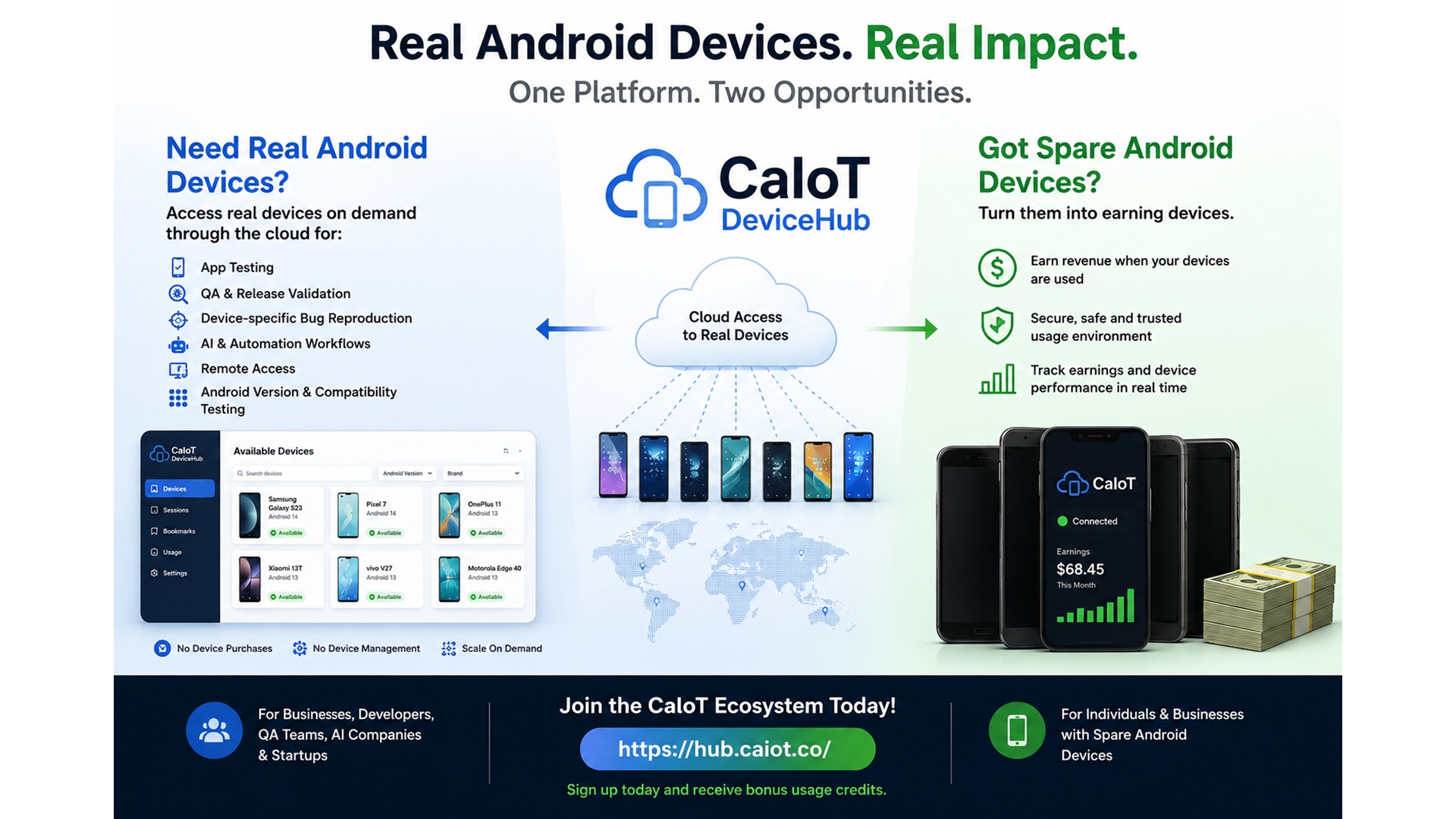
CaIoT provides access to real Android devices in the cloud so teams can validate mobile behaviour with stronger confidence than a VPN-only workflow can provide. The goal is not to replace every networking tool. It is to give teams a way to see the full mobile experience when that level of accuracy matters.
For broader Android testing and release validation, teams can use DeviceLab. For more specific geo and real-device validation scenarios, the dedicated Real Devices experience provides a clearer path.
Why this matters for Canada and international teams
Teams serving Canada, North America, or global mobile audiences need to validate what users actually experience, not just what a routed desktop session implies. That is especially true for mobile-first products, Android apps, campaigns, and region-sensitive customer journeys.
FAQ: VPN alternatives for mobile testing
Is a VPN useless for mobile testing?
No. It is helpful for some checks. It just should not be treated as the whole answer when app behaviour depends on the device itself.
What is the biggest difference with real devices?
You validate the complete mobile environment: hardware, OS, app state, permissions, screen behaviour, and live interaction.
Who benefits most from this?
Mobile QA, growth teams, ad operations, product teams, and anyone responsible for geo-sensitive Android experiences.
Can this be paired with BYOD or dedicated labs?
Yes. Teams with more advanced needs may combine public cloud access with dedicated or BYOD-based device environments.
Related reads: real device testing, Android testing guide, and AWS Device Farm alternative.
Validate the mobile experience, not just the route.
Use real Android devices when the combination of app, location, device state, and user interaction actually matters.