
Mobile app testing checklist for Android teams
A good checklist keeps releases calm. It turns quality into a repeatable process instead of a last-minute scramble across random devices and assumptions.
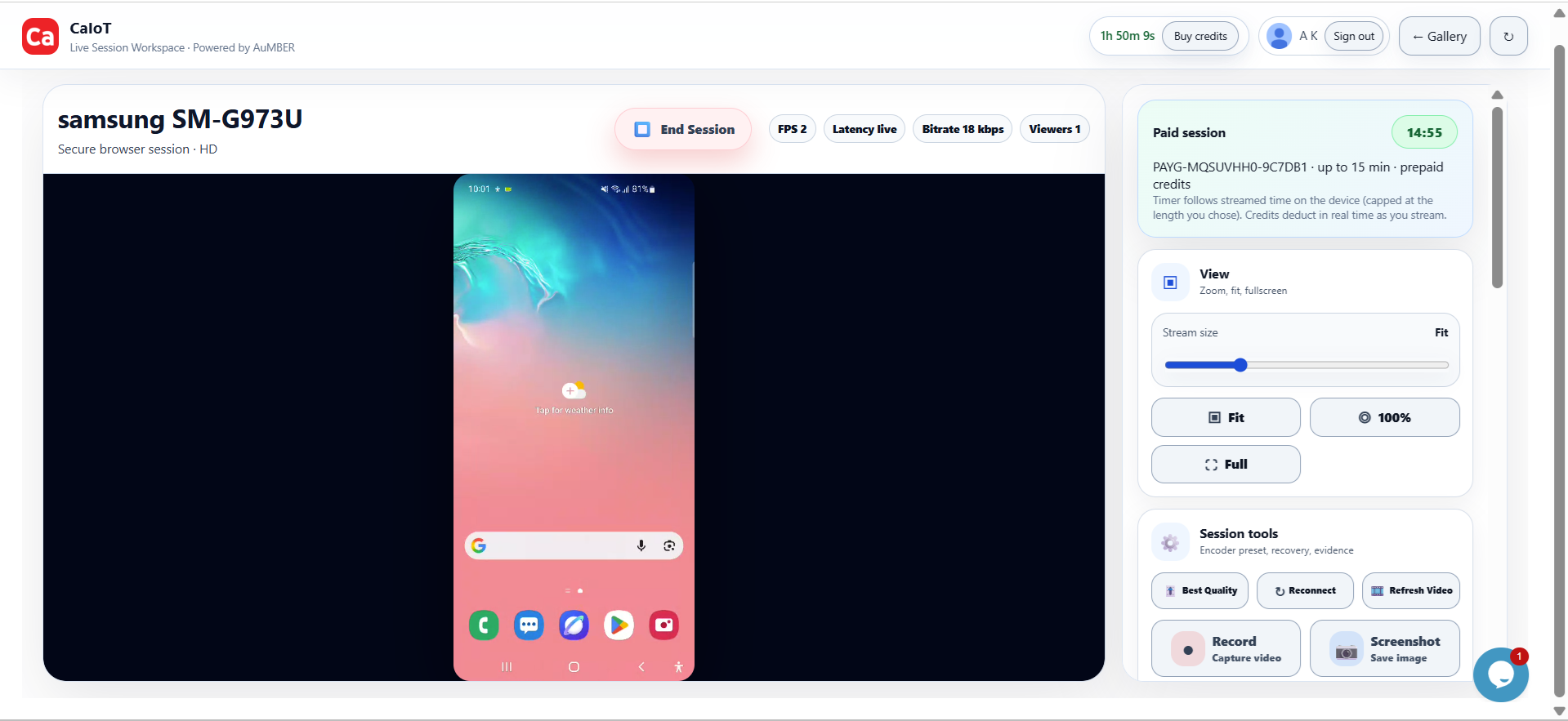
Check what customers will actually touch.
The best testing checklist starts with real user journeys, not just screens and smoke tests.
Use this checklist when you are preparing an Android release, customer demo, beta handoff, or store submission. It is designed around the kinds of problems DeviceLab helps teams validate on real hardware.
Core release checklist
- Install and update flow: New install, upgrade, sign-in, password reset, and logout all work.
- Critical path: The main task users come for completes without confusion or blocking issues.
- Permissions: Camera, location, storage, notifications, and microphone prompts behave correctly.
- Layout: Key screens remain readable across common Android screen sizes and font scaling.
- Performance: Launch speed, scrolling, and task completion feel acceptable on real devices.
- Recovery: Poor network, interruptions, and app backgrounding do not break the flow.
Why real devices help
Many checklist items are easy to mark as complete on emulators but fail on actual phones because of OEM behaviour, battery rules, keyboards, permissions, or background restrictions.
FAQ
Should every app use the same checklist?
No. Keep a shared baseline, then add app-specific checks for payments, camera, geo, media, or AI workflows.
Who should use this?
QA, engineering, product, founders, and support teams all benefit from a clear release checklist.