
How to test AI agents on real devices
If an AI agent is supposed to interact with mobile apps, forms, permissions, or device flows, testing it on screenshots alone is not enough. Real phones expose timing, layout, and interruption issues the model has to survive in practice.
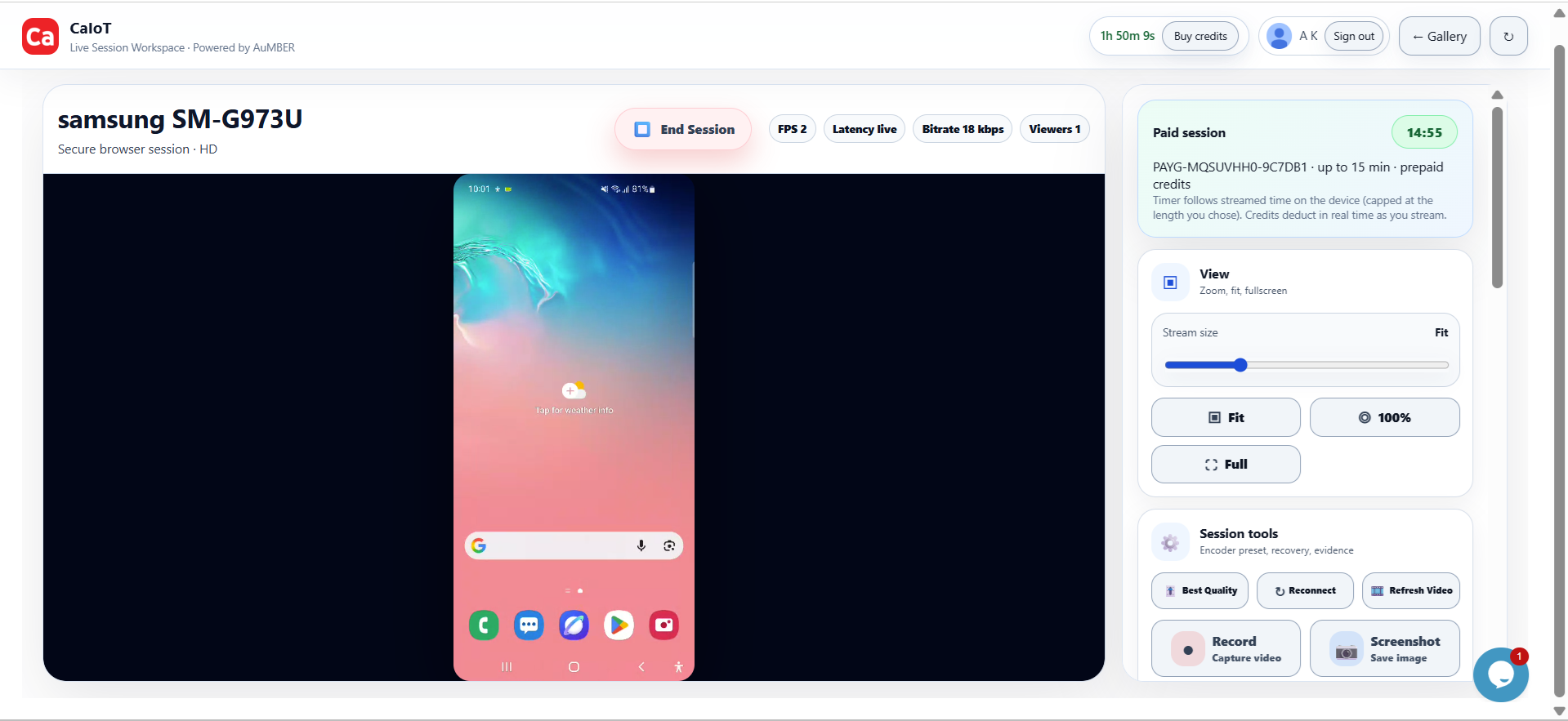
Agents need device truth, not lab fiction.
Real Android sessions make it easier to see how agents respond to popups, keyboards, lag, permission prompts, and unpredictable mobile state changes.
Teams building AI-driven workflows often start in controlled environments. That is fine for early iteration, but it hides the exact friction points that make mobile automation and AI validation hard.
What to test
- Visual interpretation: Can the agent still identify UI elements on different screens and layouts?
- Timing: Does the agent recover from loading delays, keyboard shifts, and network latency?
- Interruption handling: Can it adapt when notifications, permission prompts, or authentication steps appear?
- Fallback behaviour: Does it stop safely or ask for help when the environment no longer matches expectations?
How CaIoT helps
DeviceLab gives teams live access to real Android hardware and controlled environments for repeated validation and internal testing workflows.
FAQ
Do AI agents really need physical devices?
For mobile tasks, yes. The exact UI, timing, and device state often determine whether the workflow succeeds.
Is this only for autonomous agents?
No. It also matters for assisted flows where humans review or intervene.