
Android device fragmentation explained
Android does not behave like one environment. It behaves like a moving ecosystem of brands, chipsets, OS versions, screens, and vendor software layers that can all affect the user journey.
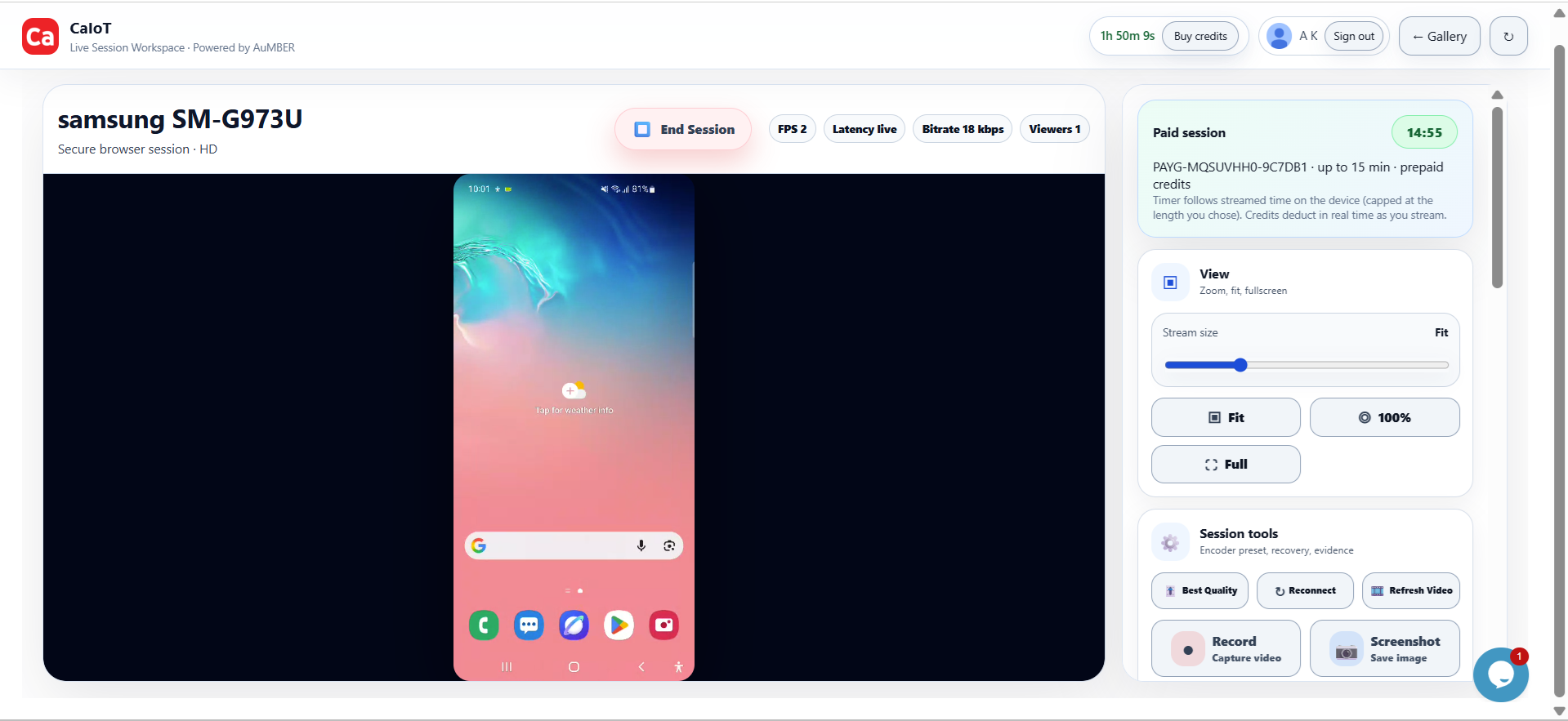
One app, many realities.
The same app can look, perform, and fail differently depending on the exact device a customer uses.
Android device fragmentation refers to the wide variation across devices in the Android ecosystem. That variation affects layout, permissions, notifications, battery behaviour, background tasks, media capture, performance, and even simple onboarding flows.
Where fragmentation comes from
- Manufacturers: Samsung, Xiaomi, Motorola, Google, and others all add software differences.
- OS versions: Android versions are not adopted at the same pace across the market.
- Hardware tiers: Budget, mid-range, and premium phones can expose different performance constraints.
- Screen diversity: Sizes, densities, cutouts, and aspect ratios all affect usability.
Why teams should care
Fragmentation is one of the biggest reasons emulator-only testing fails. A clean result on one test environment can still break on the devices customers actually own.
How CaIoT helps
DeviceLab gives teams access to real Android devices in the cloud, while DeviceLab supports more controlled device environments for broader coverage and BYOD-style strategies.
FAQ
Can one flagship device represent the whole Android market?
No. High-end devices are useful, but they do not reflect the full spread of real user conditions.
What is the best response to fragmentation?
Test the highest-risk flows on real devices that match the models, OS versions, and conditions your users actually rely on.
Related reads: Real Device Testing vs Emulators, How to Test Android Apps Before Release, and Best Android Testing Tools.