
DeviceLab
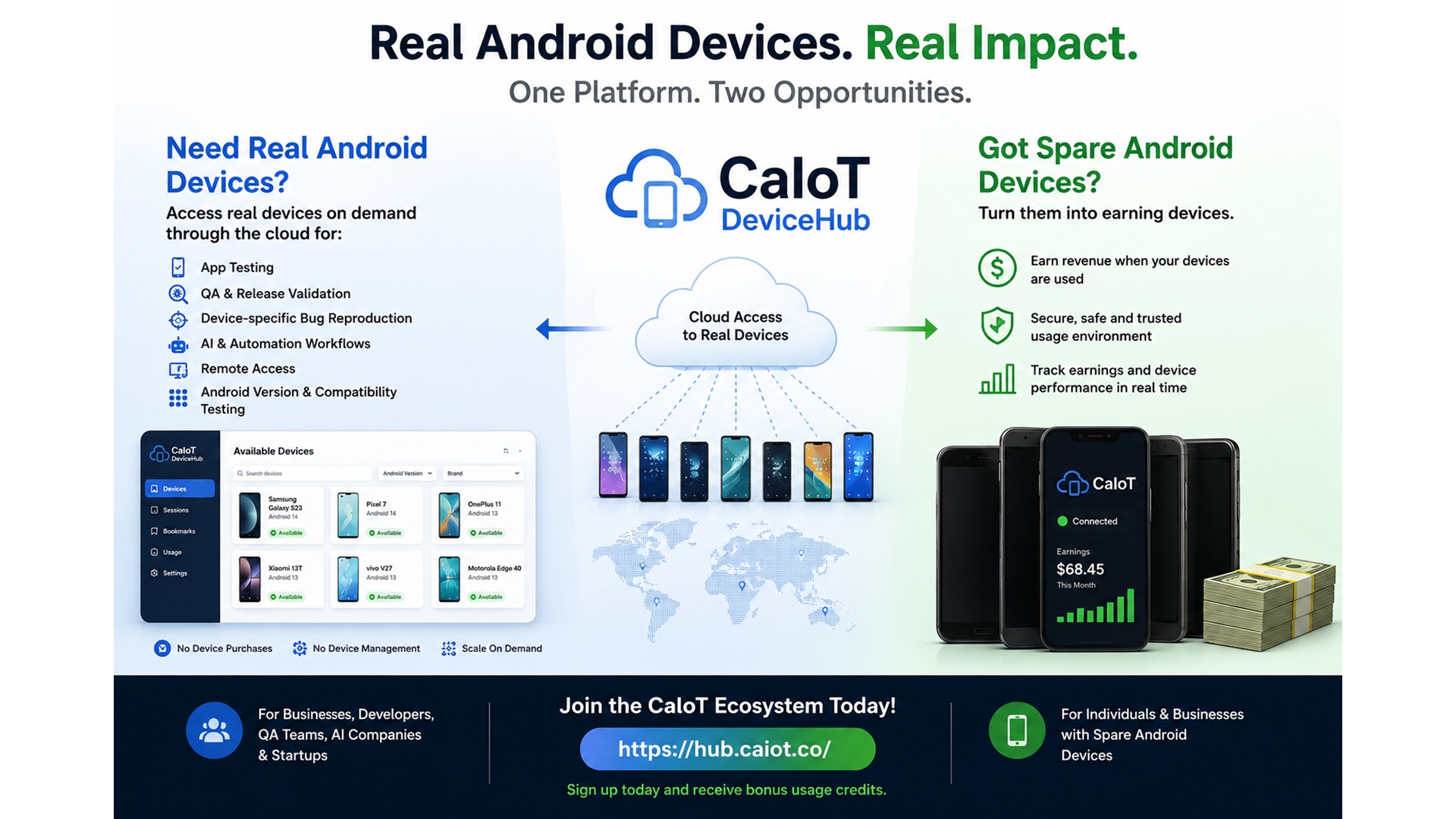
Open real Android devices in the cloud for app testing, QA, release checks, and other mobile workflows.
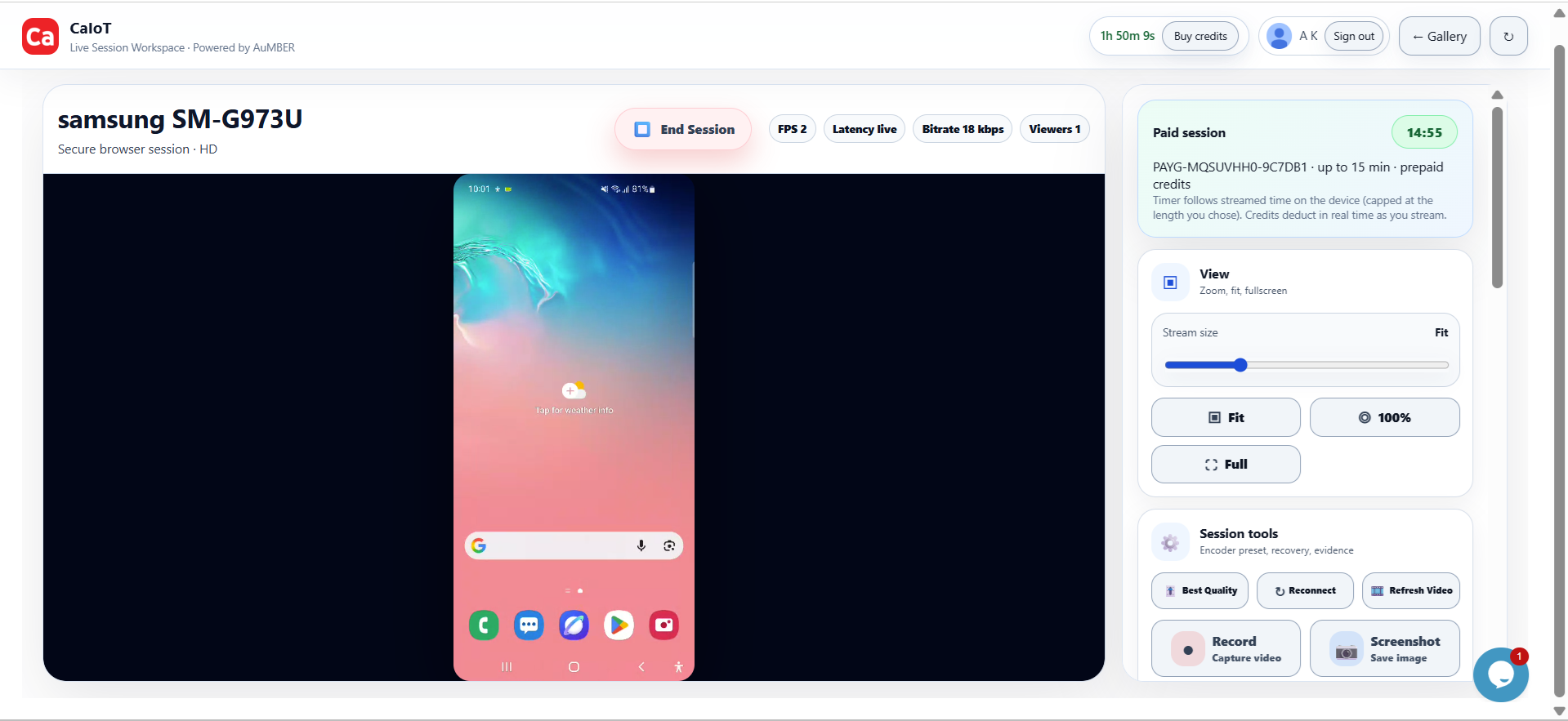
Test on real Android hardware with DeviceLab. Work with Android devices and support Windows PCs with RemoteViewer. Discover CaIoT tools built for the way you work.
See it in action. Book a demo →DeviceLab and RemoteViewer are available today. Camera is in development. Choose the tools that fit your next task. Compare all three products →
Open real Android devices in the cloud for app testing, QA, release checks, and other mobile workflows.
Control Android devices, support Windows PCs and view live phone cameras from one desktop app. Core local tools are free after setup.
Stream video from Android devices for monitoring, visual checks, and camera-based mobile workflows.
Help a customer troubleshoot their phone. Support a family member’s computer. Turn an Android phone into a live camera. Everyday device tools and owner-approved remote access, together in one desktop app.
Mirror screens, control supported devices, manage files, and back up or restore supported data. Core local USB and same-network tools are free after setup.
Help with Android devices and Windows computers over the internet, with the device owner’s approval.
Share an approved live camera view through a temporary link. Watch in RemoteViewer or CaIoT CamViewer for Android.
Explore available hardware information, battery insights and diagnostics, with free device-report previews.
250 free remote minutes per calendar month. Paid plans from $5 CAD/month.
Built in Canada for repair professionals, small businesses and everyday help.
CaIoT RemoteViewer brings everyday device tools and owner-approved remote access into one connected workspace.
Connect supported Android phones, tablets and TVs over USB or the same Wi-Fi network. Mirror screens, control devices, manage files, and back up or restore supported data—with core local tools available free after setup.
Access Android devices and Windows computers over the internet with the device owner’s approval. See the issue, guide the user and help resolve it without being in the same room.
Share an approved live camera view through a temporary link. Watch in CaIoT RemoteViewer or use CaIoT CamViewer on a second Android device—ideal for walkthroughs, demonstrations and hands-on troubleshooting.
Explore available hardware information, battery insights and device diagnostics. Preview a CaIoT-branded report to help assess a used device or explain findings to a customer. Findings depend on information the device exposes; they do not certify original parts or guarantee condition.
Start with 250 free remote minutes per calendar month. Paid plans start at $5 CAD/month, with options for one, two or all three remote services. Your first qualifying payment for a $10 or $15 monthly plan—or its annual equivalent—also unlocks lifetime device-report downloads on the same account.
Available now in Alpha. Android features vary by device, operating system and permissions. Remote minutes are deducted from the sharing account. Windows builds are currently unsigned; Android APKs are testing builds.
Built in Canada, CaIoT DeviceLab helps developers, QA agencies and educators work with real Android hardware across locations. Explore device availability and private deployment options for your team.
Stream real Android devices in your browser. Inspect logs, run Appium automation scripts, and test builds without buying endless physical hardware.
Deliver verified session recordings, log traces, and screenshots to clients. Stream your agency's existing target phones via private BYOD labs.
Empower software testing students and instructors across locations with remote, multi-user access to real Android device pools for practical manual & automated QA labs.
Screenshots and emulators can point you in the right direction, but real confidence comes from seeing how your product performs on actual Android hardware in live conditions.
Catch issues that only show up on actual phones, tablets, watches, and other Android hardware.
Reach more Android models, versions, and form factors without building your own physical device inventory.
Useful for developers, QA teams, mobile product teams, and companies validating Android experiences.
Two Chrome extensions for designers, developers and QA teams. Start with the page in front of you, then take your testing further.
Check your layout across screen sizes, spot browser issues, then move to physical Android devices when a viewport preview is not enough.
Inspect the details behind a webpage. Pick colors and review typography, spacing and contrast during design reviews and frontend QA.
Available for Chrome on desktop. Review features and permissions on each Chrome Web Store listing.
CaIoT is built for jobs where testing on a real Android device makes the difference.
See how advanced mobile flows behave on real Android devices before shipping them to users.
Read articles ->Get help with Google Play closed testing requirements and tester recruitment.
Visit 12testers ->Check ads, content, and region-specific mobile experiences on real devices in the locations that matter.
Open realdevices ->Access and operate Android devices remotely without keeping shelves of test phones in your office.
Explore ->Compare Android versions, screen sizes, and device behavior when compatibility matters.
Learn more ->CaIoT has grown with support from respected cloud, startup, academic, and business communities across Canada.





Logos are trademarks of their respective organizations and are used for identification purposes only.
Read practical articles on Android testing, Google Play requirements, remote mobile workflows, and getting more value from spare devices.
A practical guide to owner-approved remote support for someone you know.
Save supported Android data and check your backup before handing over a device.
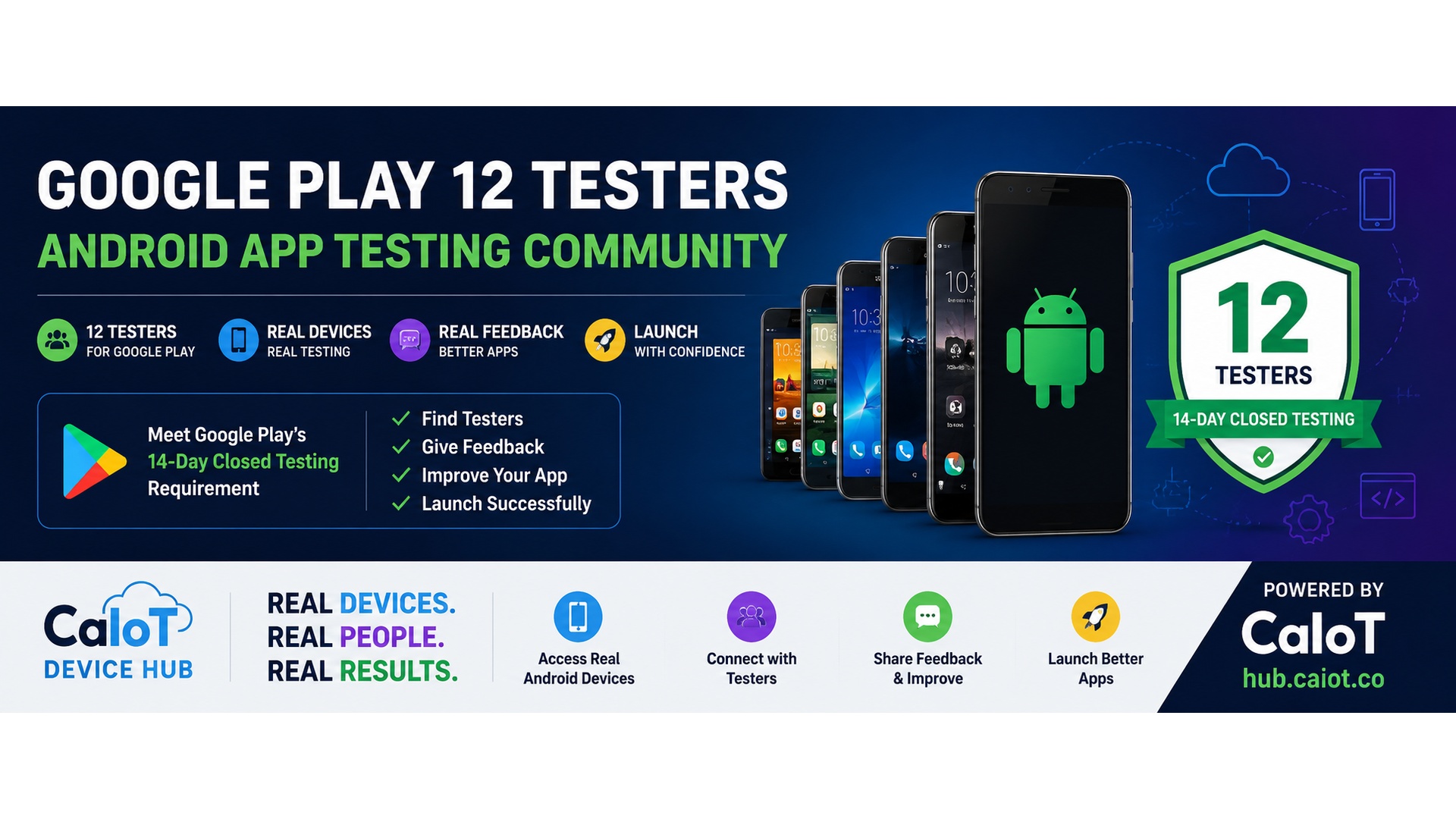
A step-by-step guide for Android teams getting through closed testing.
Read ->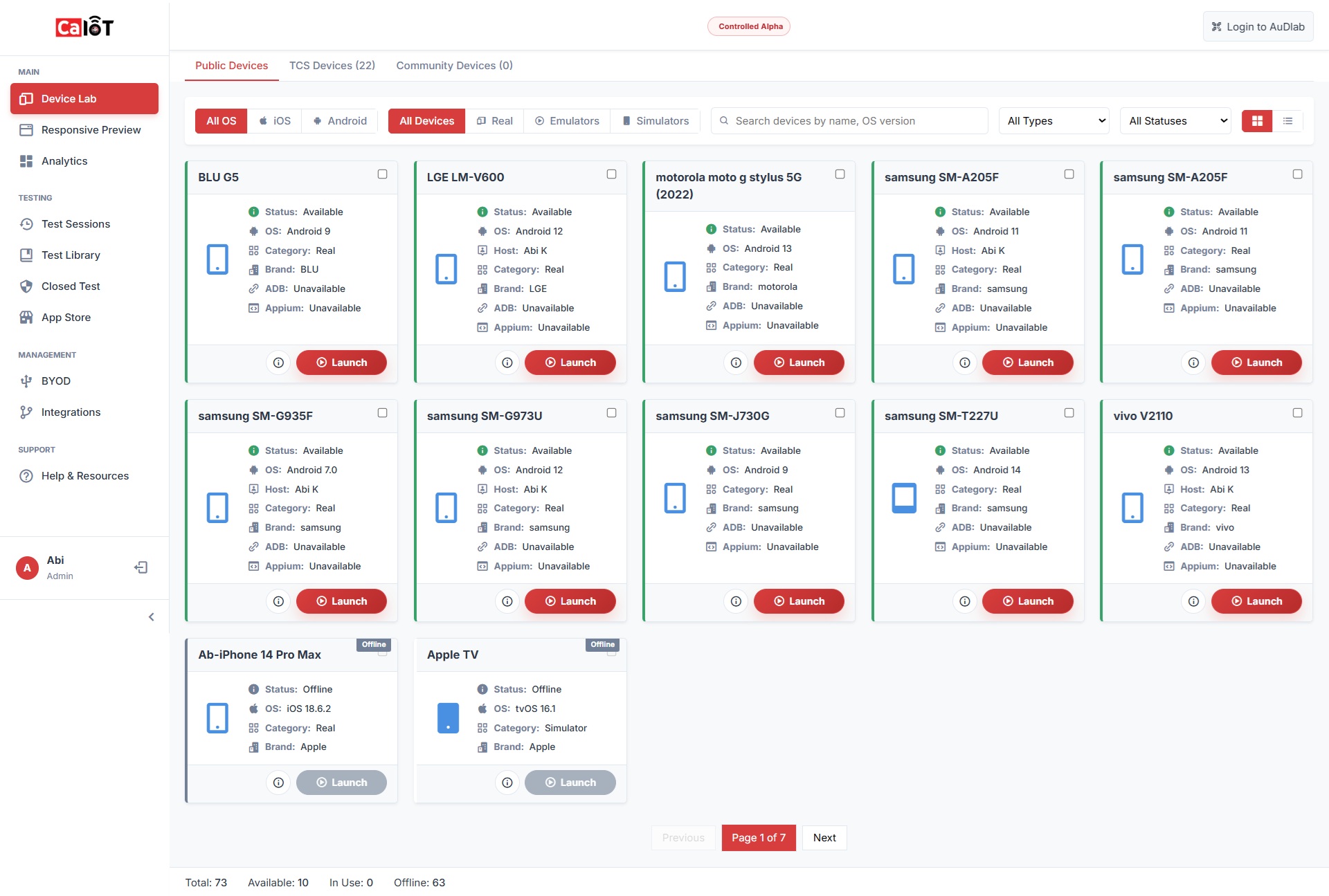
Test on real Android hardware with DeviceLab, or use RemoteViewer for local device tools and owner-approved remote support.